Role-Based Onboarding Email Sequences for B2B SaaS
Different roles hit different activation milestones, so sequences should split accordingly.
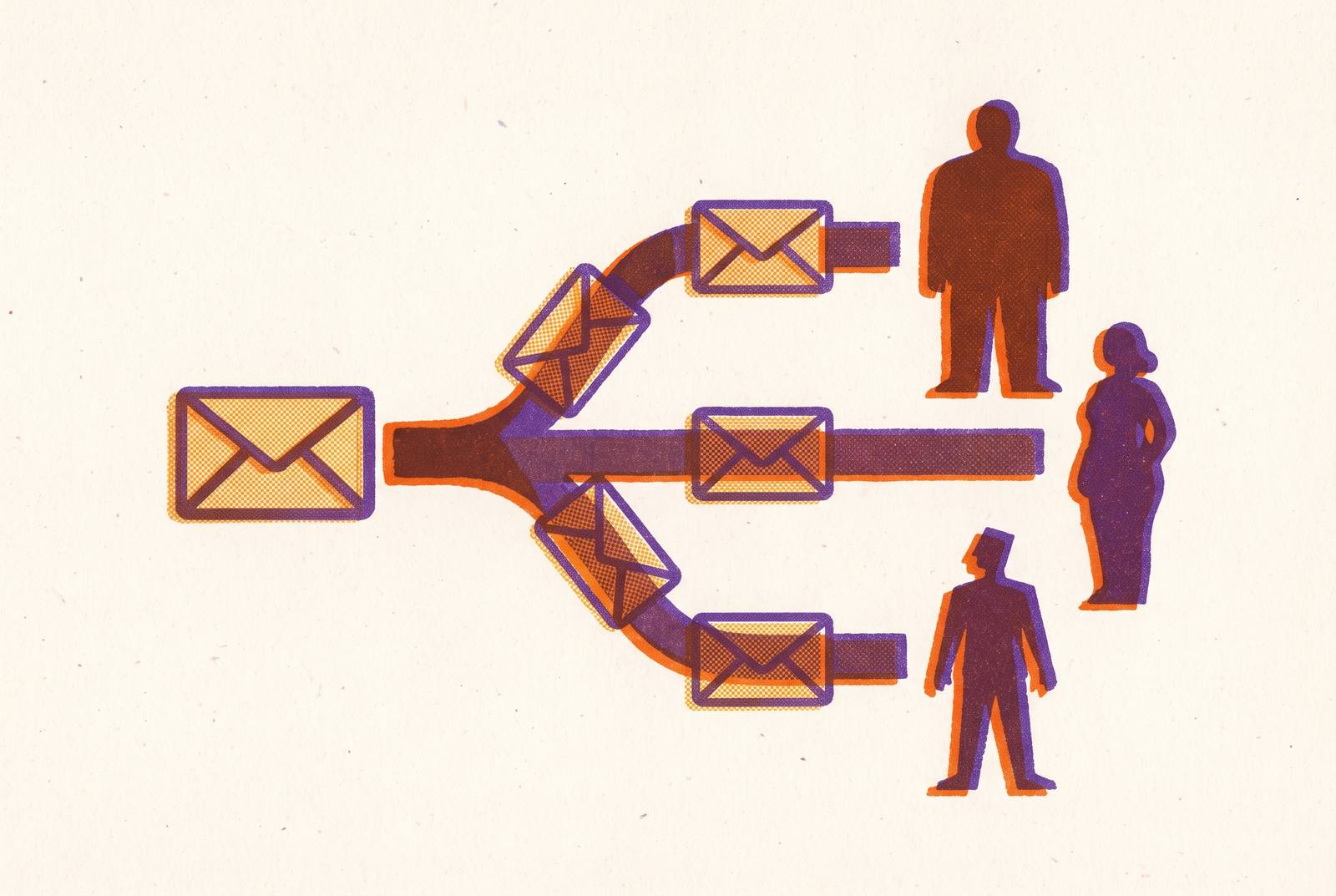
Most B2B SaaS signups never get to the moment the product actually pays off. The average activation rate across SaaS is 37.5%, and depending on which benchmark set gets cited, somewhere between 40% and 60% of free users in a typical product-led funnel drop off before hitting the milestone that would've made them stick around. That gap isn't a mystery once you look at what most onboarding emails actually do: they send the same five messages to everyone, on the same schedule, regardless of what a person's job title is or what they're trying to accomplish inside the product.
That's the core failure. A single onboarding sequence assumes one activation milestone, one path to value, one definition of success. But an admin setting up a workspace and an individual contributor trying to finish their first task are not doing the same job, even though they signed up through the same form. Fix that mismatch and the upside is substantial, because improving activation costs far less than buying more traffic to feed the same leaky funnel. The fix isn't more emails. It's mapping each role to its own finish line, then building sequences that respond to behavior instead of the calendar.
What activation means by role
Activation is a specific action, not a date. It's the moment someone does the one thing that proves the product works for them, such as the first project created, the first report exported, or the first teammate invited. Before writing a single onboarding email, that action needs to be defined as a concrete, instrumentable product event. Everything else follows from that decision. Skipping it means the sequence has no finish line to run toward.
The trouble is that finish line moves depending on who's running toward it.
An admin's activation moment usually looks like this: team provisioned, permissions configured, first user invited. That's a setup job. An end user's moment is completely different, it's whatever their first meaningful task looks like inside the product, whether that's sending a campaign or creating a record. A power user activates by going deeper: connecting an integration, automating a workflow, touching an advanced feature nobody walked them through. And a billing owner might never open the core product. Their signal is somewhere else entirely, maybe a plan upgrade or a seat count crossing a threshold.
Activation rates also swing hard by industry. Data across 62 B2B companies put AI and ML SaaS at the high end of the range, with FinTech, insurance, and HR trailing at the low end, and MarTech sitting in the middle around 24%, against that 37.5% average. A team's vertical should directly shape how many onboarding emails it sends and over what stretch of time. Sending a 30-day nurture sequence styled after another vertical's onboarding norms to an AI tool's users is probably too slow. Running an AI tool's compressed timeline on an insurance product is probably too fast.
Sales-led companies tend to out-activate product-led ones, but PLG companies win on one-month retention. Activation and retention aren't the same job, even though people talk about them like they are. A sequence built to drive activation and a sequence built to drive retention should look different, because they're solving different problems for different reasons.
Why behavior-triggered sequences outperform time-based drips for role-based onboarding
A time-based drip sends email three on day three, no matter what. A behavior-triggered sequence sends the next message the moment someone does, or fails to do, something specific. One runs on a calendar. The other runs on the user's actual progress, which is a much better clock.
Vendor-reported data on triggered sends versus batch sends shows the triggered messages converting at meaningfully higher rates, and the logic tracks: an email that shows up because someone just hit a wall feels relevant in a way a scheduled broadcast never will. That's especially true when the wall is role-specific. An admin who hasn't invited a teammate after four days needs a different nudge than an end user who abandoned a workflow halfway through.
Good behavior-triggered systems watch for a specific set of high-signal events:
- Completed onboarding checklist
- Used an advanced feature
- Viewed the billing page
- Went inactive for a set window
- Hit a usage threshold
- Invited a team member
- Exported data
- Abandoned a key workflow
The architectural pattern behind this, sometimes called a "wait until" step, pauses the sequence until a condition is met, often with a maximum wait time built in so nobody gets stuck waiting forever. That means the sequence moves at exactly the pace of the person going through it. No guessing about how long step two should take.
Suppression matters just as much as triggering, maybe more. A sequence needs to exit the moment someone activates. Nothing wrecks a well-built onboarding flow faster than a "finish setting up your account" email landing in the inbox of someone who finished setup three days ago. It reads as sloppy, and it teaches the user to ignore future emails from the product.
Role shows up here too, in the branching logic itself. Check whether a user's project count is above zero, then split. Users with activity get pushed toward expansion, an upsell prompt or an advanced feature tip. Users with nothing get a setup nudge instead. That's behavior and role combining into one decision, and it's about as simple as the logic gets while still being useful.
Structuring the sequence for each major B2B SaaS persona
Most SaaS products do well with five to eight onboarding emails spread across the first two weeks. Simpler products with a fast path to value may need fewer. Complex enterprise tools can stretch past ten emails over a full month. The right count depends entirely on how many steps a given role needs to reach its milestone, not on some universal onboarding best practice.
One thing holds constant regardless of role: the welcome email needs to fire instantly. Welcome emails carry roughly a 50% open rate and outperform standard promotional sends by a wide margin, reportedly around 86% more effective. Delays erode that advantage, so sending it immediately is worth prioritizing.
Admin or account owner. The milestone is a provisioned team with settings configured. Day zero should carry one action, invite a teammate, or configure the workspace, nothing more. Days one and two build out a checklist tied to whatever goal they named during signup. Days three through five spotlight the admin controls people tend to miss. By day six or seven, the sequence should branch: teams that have invited someone get an expansion prompt, teams that haven't get a low-friction re-engagement nudge. Once the core admin milestone lands, days ten through twelve are the right window for an upgrade or expansion pitch.
End user or individual contributor. Their milestone is a completed task, and it's role-specific: a report exported, a campaign sent, a record created. Day zero should focus on their personal quick win, not account setup, because account setup isn't their job. Days one and two guide them toward that single value moment. Days three through five teach something useful about a commonly missed feature, without asking for anything back yet. By day six or seven, branch on behavior: disengaged users get a targeted nudge toward the step they haven't completed, active users get a case study or social proof piece surfacing features they haven't tried.
Power user or technical persona. These users often skip the early basics on their own, so the sequence should let them. Trigger advanced content the moment they cross a usage threshold or connect their first integration. If someone visits the API or integrations page more than once, that's a clear signal, and the next email should be about the API or webhooks directly, not a recap of onboarding basics they've already outgrown.
Across every persona, one rule holds: one call to action per email. Stacking multiple CTAs in a single message makes the reader freeze. The single most important action for that role, at that specific moment, should be the entire organizing idea behind the email.
Timing rules split cleanly too. Scheduled sends generally perform better during morning hours in the recipient's local time zone. Behavior-triggered emails ignore that rule entirely, because they fire the moment the trigger condition is met, whatever time that happens to be. Both rules are correct. They just apply to different parts of the sequence.
The B2B account-level data model that makes role-based sequences possible
B2B onboarding isn't really an individual problem. It's an account-level adoption problem wearing an individual disguise. An admin, a billing owner, and three individual contributors at the same account might all need completely different emails on the same day, because the account as a whole is activating in pieces, not all at once.
Making that work requires connecting two kinds of data that usually live apart: backend state (who someone is, their role, their plan, their configuration) and product analytics (what they've actually done over time). The gap between what should be happening on an account and what is actually happening is the signal that decides what message goes out next.
Some examples of what that unlocks:
- Send the admin a nudge once three or more teammates have logged in
- Trigger a team-wide onboarding email the moment an account adds its fifth user
- Prompt the billing owner when an account has activated but never upgraded
None of this requires building a new tracking system from scratch. Most teams already have a product database and product analytics running. The real work is wiring the two together, so event data (what people do) and profile data (who they are, their role, their plan) both feed into one source of truth. The CRM or email platform should be treated as the layer that executes decisions, not the place those decisions get made.
Userlist is a useful example here, since it's built specifically for B2B SaaS onboarding where the goal is team-wide adoption rather than a single user's activation. Its data model treats the relationship between users and companies as central, which matters a lot when the sequences need to speak to different roles inside the same account rather than treating every signup as an isolated individual.
Vendor-reported figures on event-driven onboarding versus static drip campaigns suggest a real lift, somewhere in the 20-35% range for activation improvement. That number comes from vendors, so treat it as directional. But the mechanism behind it, sending the right message because the data actually shows a gap, holds up regardless of whose benchmark gets quoted.
Where AI adoption agents extend email sequences
A pre-written sequence, no matter how well the branches are mapped, only handles the cases someone anticipated when they built it. An AI agent handles the cases nobody thought to write a branch for, because it looks at each person's actual state and behavior before deciding whether a message is even warranted.
The distinction is between tools that hand a human a chart and tools that hand the customer their next step. Product analytics dashboards and lifecycle marketing platforms are good at the former, surfacing a trend or merging a first name into a subject line. An adoption agent does the latter: it tells the customer what to do next, grounded in what that specific account has actually done.
The scale math is stark. A customer success manager can realistically stay on top of a limited number of accounts. An AI agent can watch 10,000 accounts at once, catching signals and acting on them in a way no headcount plan could match. The constraint is no longer how many people are on the team but how well the agent's goals and guardrails are defined.
Adoption of AI in onboarding is already widespread, even if maturity lags behind. A 2026 survey of customer success and revenue leaders found 89% saying AI reduced onboarding friction, 88% saying it let teams scale without adding headcount, and a large share reporting better satisfaction scores. Yet only a fraction of those same teams have AI actually embedded end-to-end across their onboarding workflows. Adoption is broad. Depth is shallow.
The model that seems to work best keeps a human in charge of the goal, the audience, the guidance, and the limits, approved once. Inside those guardrails, the agent investigates each eligible person on its own, writes and sends a grounded message when the evidence supports it, and stays quiet when the evidence doesn't. Frequency caps, quiet hours, and do-not-contact rules get enforced at the point of send, not left to the agent's discretion.
Vendor-reported comparisons put AI-native onboarding at a median lift several times over tour-based onboarding on the same activation definition, a figure worth testing rather than taking as gospel. Industry forecasts suggest enterprise adoption of task-specific agents is set to grow significantly over the near term, which says less about where things stand today and more about where the category is heading.
Delight.ai sits in this space as a distinct kind of customer-facing agent, built around governed actions through what it calls Actionbooks, persistent memory across sessions, full case ownership via something called Agent Steward, coverage across chat, voice, SMS, email, WhatsApp, and in-app, and a governance layer called Trust OS. That combination matters most when onboarding isn't a one-time event but an ongoing relationship that spans multiple systems and touchpoints over time.
Practitioners working in customer success have cautioned against over-automating this process. The direction that's gaining ground is outcome-led lifecycles paired with context-aware AI, not simply cranking up message volume because a machine makes it cheap to do so.
Measuring role-based activation beyond opens and clicks
Opens and clicks are inputs. Activation rate and time to value are the outputs that actually matter, and published data ties structured onboarding to a 50% lift in retention. That number only means something if a team can actually see it happening, which most can't, because most are still measuring email engagement instead of product behavior.
A handful of metrics affect the outcome more than open rate ever will:
- Activation rate per role. What percentage of each role cohort, admins, end users, power users, actually reach their specific milestone.
- Time to value. How long it takes from signup to that milestone. This is the number behavior-triggered sequences and adoption agents are best positioned to shrink, since both remove the delay built into fixed schedules.
- Repeat use. Did the action happen once, or did it turn into a habit? A single export isn't the same as a workflow someone runs every week.
- Account-level adoption. For B2B specifically, individual activation and account activation are separate questions. How many of the roles inside one account have actually crossed their own line.
People and accounts can tell opposite stories, and measuring only one hides the other. An account can look healthy on paper while a specific person inside it has quietly stalled out.
A documented case showed an account health dashboard with daily sessions, three features in consistent use, activity trending up week over week. Everything about it looked like a thriving account. When someone actually dug in, no human had logged into that account since January. Every session on the dashboard was an AI agent hitting the API to automate a reporting workflow. In 2026, human activity and agent activity are no longer the same signal, and treating them as interchangeable will make a dying account look alive right up until it churns.
Observed adoption isn't the same as caused adoption. A user who activates shortly after getting a nudge email might have activated anyway, nudge or no nudge. Honest measurement tracks how an entire eligible cohort behaves over time, not whether one email got opened before one action happened. Open rate was never the outcome. It was always just a rumor of one.