Personalizing Feature Adoption Messages to Specific Workflows
Behavioral signals beat signup data for routing feature adoption messages to the right moment.
A user checks "marketer" in a welcome survey. The product notes it, routes them into a marketing-flavored onboarding path, and keeps calling them a marketer for the rest of their time as a customer, no matter what they actually do after week one. Three months later they're deep in API docs, setting up webhooks, doing work that looks nothing like the persona they picked on day one. The product hasn't noticed. It's still sending them tips about campaign templates.
That gap is the whole problem this piece is about. Signup data doesn't age well, and a path built on one early answer has no way to adjust when someone's actual behavior heads in a different direction. The account looks healthy on paper: logins are steady, the dashboard shows engagement. Adoption of anything beyond the basics stalls out, and nobody on the growth team can point to why, because the system they're using was never built to notice the divergence.
This is a structural problem. Most PLG stacks get built tool-by-tool, category-by-category, one for onboarding, one for analytics, one for messaging, rather than being built around a single outcome the team is trying to drive. Meanwhile the bar for personalization keeps rising. Customers now expect the product to get sharper about them over time, not settle on a label in week one and stop paying attention.
What "workflow context" means as message raw material
Workflow context is not a richer persona. It's three separate, live signals, read together, at the moment a message gets written.
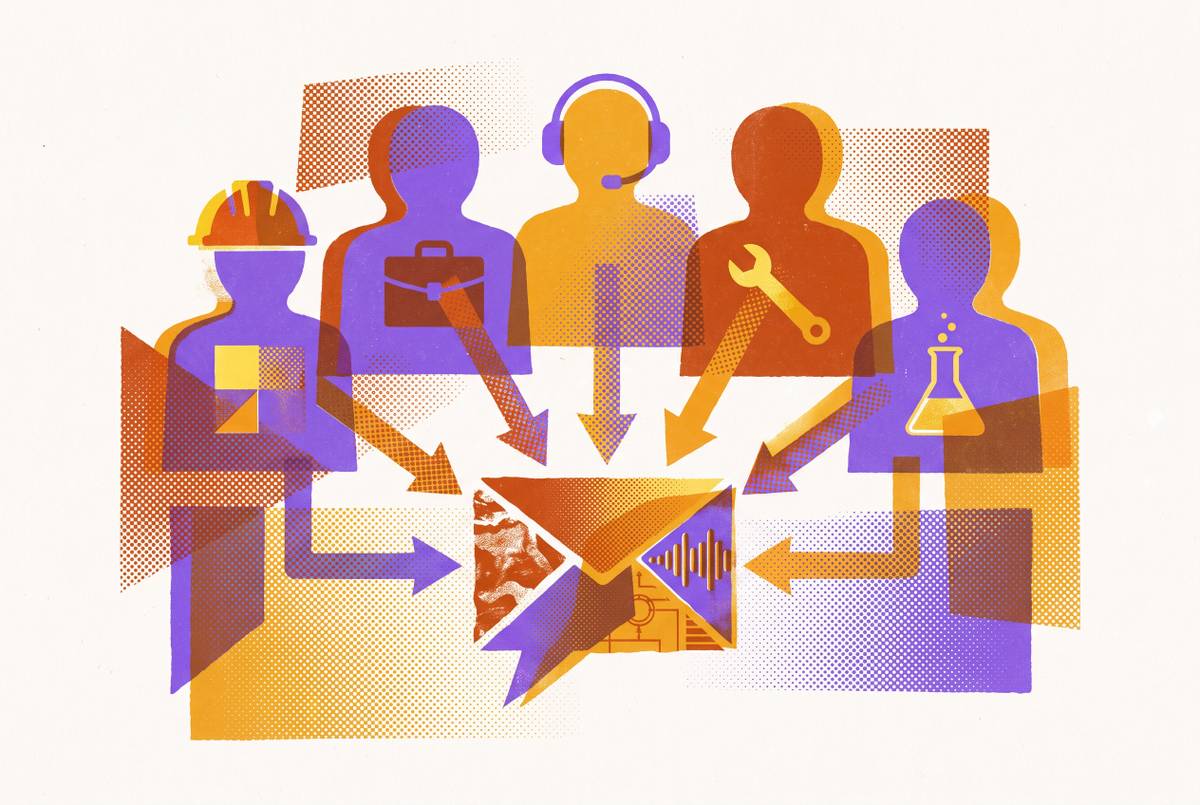
The first is configuration state: what's actually been set up, connected, or turned on in the account right now. Call it the database record of where someone stands. The second is role in the account, but observed rather than declared, meaning who actually invites teammates, who runs the reports, who keeps hitting a permission wall they don't have access past. The third is recent behavior: which features someone keeps coming back to, where they visibly slow down, what they've never so much as clicked.
None of that is who the person said they were at signup. A user might have checked "marketer" on the welcome form, but if their actual behavior shows four separate visits to the API documentation, the signup answer is just wrong now, and the behavior is the thing worth acting on. The gap between what should be happening in a healthy account and what's actually happening is itself the signal. A user who creates a project and never invites a single teammate is telling the product, without typing a word, that the collaboration value hasn't landed yet. Persona is a guess made once, on day one. Workflow context is evidence, and it keeps accumulating. Get that distinction right and everything downstream, the triggers, the segmentation, the message itself, follows from it.
The feature utilization problem that makes workflow-grounded messaging urgent
On average, only a small fraction of the features inside a SaaS product ever get used, and that fraction has fallen sharply compared to just a few years back. Products aren't getting simpler. They're shipping more, faster, and users are adopting a shrinking slice of what's on offer.
That's not a minor inefficiency. Users failing to adopt features shows up in one statistic, and it explains why generic "check out this feature" messaging keeps failing. Only a small fraction of features in SaaS products actually get used on average, down sharply from a few years ago. Nobody's attention span tripled to match. The result is a widening gap between what a product can do and what any given user has the bandwidth to discover on their own.
Add to that a second, quieter number: even with roughly 58% of B2B SaaS companies running some form of product-led growth, only 34% actually track activation, the single metric that best predicts whether a free user ever converts to paid. So most companies are shipping fast, tracking little, and sending feature-adoption messages into a context they barely understand: wrong feature, wrong moment, wrong person on the receiving end. Real-time behavioral segments matter more in 2026 than at any prior point because the cost of mistargeting in an AI-saturated inbox is an immediate unsubscribe.
How behavioral triggers and configuration state replace time-based message rules
A behavioral trigger fires when someone actually reaches a specific point of friction, whatever day that happens to be. The difference is what counts as the signal: not elapsed time, but observed action, or the absence of an expected one.
Find the features where users tend to drop off right after activation, and build messages that fire the moment someone hits that exact friction point, based on real feature-adoption signals rather than a calendar. Configuration state does the same job from a different angle. Someone who's connected a data source but never run a single report is in a completely different situation from someone running reports daily who's never invited a teammate, and the account's own configuration record is what tells the system which message actually applies to which person.
A developer analytics platform put this to work directly: it targeted users who'd viewed error logs more than three times with a prompt to try a premium API monitoring module. Over nine months, paid adoption of that module moved from 19% to 42%, translating into a meaningfully larger flow of free-to-paid conversions each quarter and real new ARR. Nothing about that campaign ran on a schedule. It ran on a specific, repeated behavior that indicated exactly where the user was stuck and what would help.
The same logic applies to secondary features that normally go unnoticed. A checklist for an advanced feature means nothing to someone who hasn't reached the point where that feature is relevant, so the fix is to gate the checklist behind the behavioral signal that says the person's ready for it. AI now adapts sequences from early behavioral signals (what a user explores first, whether they invite teammates in the first session, which feature they return to most), rather than running everyone through the same templated path, per Mixpanel's analysis of behavior across a large sample of companies.
Reading the message a workflow is already sending
Every workflow is already talking, if a team knows how to listen. Tracking where users slow down or quit inside a key flow turns the drop-off point itself into information. A funnel that shows people creating a project but never inviting a teammate isn't asking for a better email. It might be asking for a product change instead, and no amount of clever messaging fixes a UI problem.
Connected systems can surface these patterns across an entire customer base, not just one account: new admins tend to struggle with permissions before they ever get to inviting teammates, or enterprise accounts ask about audit logs well before they touch advanced workflows. A pattern that shows up reliably becomes the actual content of a workflow-specific message, aimed at the exact moment that pattern tends to appear.
The "aha moment" concept works the same way, as a diagnostic rather than a guess. Strong PLG teams don't assume which action predicts retention, they measure it, running cohort comparisons between users who activated and users who didn't to find the specific behavioral fork where retained customers and churned customers split apart. That fork, once found, is worth more than almost any other segmentation variable available.
Some signals are worth reading even before a user's first real session. A person who spends trial time poking at retention cohorts in a demo is handing over a fairly direct instruction: that's what to surface first once they're in the real product. And when the signal itself is weak or ambiguous, say someone opened a feature but never finished the flow, the right move is usually to hold back rather than guess. A message sent on shaky evidence does more damage than no message at all, because it teaches the user that "personalized" doesn't actually mean relevant.
What adoption agents add that rules-based systems cannot
A rules engine can check a condition and fire. What it can't do is look at the full context around one specific person and decide whether that context justifies reaching out. That judgment call, made individually, at the level of a single account, is the part a rules engine structurally cannot perform, and it's the part an agent is built to do.
The distinction matters more than it sounds. A chatbot sits in a side panel and answers whatever gets typed into it. An agent works inside the product itself, reading current configuration state alongside behavior, and composes the message that specific person needs at that specific moment. One is reactive and bounded to a conversation window. The other is proactive and grounded in the account's actual state.
There's also a knowledge problem agents are well suited to solve. Every SaaS product carries a set of "watch out for this" details that live mostly in the heads of a handful of senior support or sales staff, the kind of thing a sales engineer would mention offhand on a call. An agent can make that knowledge available to any user, at any hour, instead of just the ones lucky enough to get a senior rep on the line.
Adoption of this is already ahead of mastery of it. A large majority of CS and revenue leaders surveyed say AI has cut onboarding friction and let their teams scale without adding headcount, yet only 17% call their own AI maturity advanced, and just 25% have it embedded end-to-end. That gap between using AI and using it well is exactly where the advantage sits for teams willing to close it.
The clearest way to describe the difference: an analytics dashboard hands someone a chart, and a lifecycle tool merges a first name into a template. An agent hands the customer the next concrete thing to do, grounded in something that person actually did inside the product. Scaling that up makes the comparison sharper still. The kind of attention a founder gives their first ten customers, actually looking into each one's situation, deciding whether a message is even warranted, writing something specific to them, is exactly what an agent makes possible across ten thousand accounts at once.
The campaign structure that keeps agent judgment inside human-approved limits
Handing judgment to an agent raises the obvious question fast: what stops it from messaging everyone, all the time, for anything? The answer sits at the campaign level, not at the level of approving each individual message one by one.
A human sets the campaign once. Its goal, which audience is eligible, the guidance the agent is meant to follow, and the limits it has to operate inside. Inside those approved boundaries, the agent investigates each eligible person on its own. Being in the eligible audience isn't an automatic green light, though. Part of the agent's job is weighing whether the evidence for this specific person is actually strong enough to justify contact, and skipping when it isn't.
The hard limits, frequency caps, quiet hours, never-contact flags, skip-if-the-evidence-is-weak logic, live at the send gate itself, enforced by the system's structure rather than left to a prompt's good behavior. Userpilot's 2026 research on this describes something worth building for every meaningful task an agent takes on: an "agent persona," a parallel description covering what the agent is dispatched to do, what context it's working from, and what a successful output actually looks like. Think of it as a job description, written for a role that happens to be filled by software.
Users deserve visibility into this too. An in-product command center that shows what the agent did and why turns a legitimate surveillance concern into something closer to a support log, and it reinforces that the personalization is meant to help, not to watch. Context needs to travel with the person as well, meaning the answers they gave, the use case they're working toward, the interactions they've already had, all carry forward into whatever the agent writes next. It isn't starting over from nothing each time it reaches out.
How to write a workflow-grounded message
A workflow-grounded message has one job: hand the reader the specific next step relevant to whatever they're in the middle of, grounded in something they actually did or a state their account is actually in. Not a generic nudge toward some feature "they might like."
What it leaves out matters just as much as what it includes. It should never read back a person's own activity to them, something like "we noticed you logged in three times this week and clicked X." That framing doesn't land as helpful. It lands as being watched. The test for whether a message has done its job is simple: does it make the next step obvious to the person, in their situation, right now? If the reader has to translate generic advice into their own context, the message hasn't earned its place in their inbox.
A few in-app examples make the shape of this concrete. Figma's UI3 redesign modal states the change in its headline and offers exactly one call to action, "Take the tour," cutting out decision fatigue entirely. It works because it appears at a moment of genuine product change, not on some arbitrary release-day schedule. Postify's Instagram publishing slideout shows up right alongside the post composer, inside the workflow the user is already in, explains the benefit without assuming context the user doesn't have, and points its CTA at the one action that unlocks the feature. HubSpot's tooltip tour attaches directly to the Import button, explaining why importing contacts matters before it ever gets to instructions, so the context is built into the moment rather than stapled on as a header above it.
There's evidence behind this beyond the anecdotes. A campaign built from personas drawn out of actual user interviews, structured around a P-A-G-E framework (Planner, Aide, Guide, Ensurer), beat a feature-centric campaign head to head in an A/B test, on open rates, on activation of a sharing feature, and on downloads. Relevance to what someone is actually trying to accomplish beats a well-written feature announcement, measurably, not just in theory. Named in-app examples from SaaS feature release research (Userpilot).
Segmentation axes that capture actual workflow position, not declared intent
Four axes, taken together, describe where someone actually stands in their workflow far better than any signup answer ever could.
Plan or tier comes first. Users on different plans sit in genuinely different situations, what's worth surfacing, what to hold back, which upgrade path even makes sense to mention, and this is about more than locking features behind a paywall. It's a deliberate way of cutting cognitive load, so nobody's staring at a feature that has no bearing on where they are yet. Observed role in the account is the second axis: who actually runs the admin actions, who sends the invites, who pulls the exports, derived from what people do rather than what they checked on a form months back. Use case or job-to-be-done is the third, surfaced through short onboarding questions or inferred from early patterns in behavior, and it answers the most basic question of all: what is this person actually trying to get done with the product? The fourth is current behavioral stage, meaning where someone sits in the workflow this week: has setup wrapped up, has first value landed, have they hit a wall around some secondary feature, or have they gone quiet.
ClickUp offers a clean working example of this in practice. Its interface configures itself by plan tier, switching features on or off depending on what a given workflow actually calls for, so each user ends up with a screen calibrated to their own context rather than a single default view stretched across everyone. That's the underlying idea across every axis here: segmentation isn't about sorting people into cleaner boxes. It's about matching the message, and the product itself, to where someone actually stands, not where a form once said they'd be.
Sources
- Feature Adoption Metrics & Benchmarks 2026: 24.5% Average Core Adoption | Artisan Strategies
- B2B SaaS Customer Onboarding Software: 2026 Guide
- SaaS Onboarding 2026: Beat the 37.5% Activation Trap (+ Free Checklist) | Flowjam
- Product‑led growth adoption and results statistics (2026) | STARTUP EDITION
- Behavioral Trigger Automation for PLG - RevOps Global
- Feature Adoption: The Complete Guide for B2B SaaS Product Managers | Jimo
- AI agent vs rule based chatbot: Which is right for your business? | eesel AI